



Skip to content

A money app by Bitmady

CentrolEvery cent. In control.

Centrol tells you what you have left to spend today, and keeps the rest of your money in one calm place — budgets, receipts, warranties, debts, documents and savings goals.

Open the web app Coming soon on theApp Store · iPhone
  • Free
  • No ads
  • No bank login
  • English & Albanian
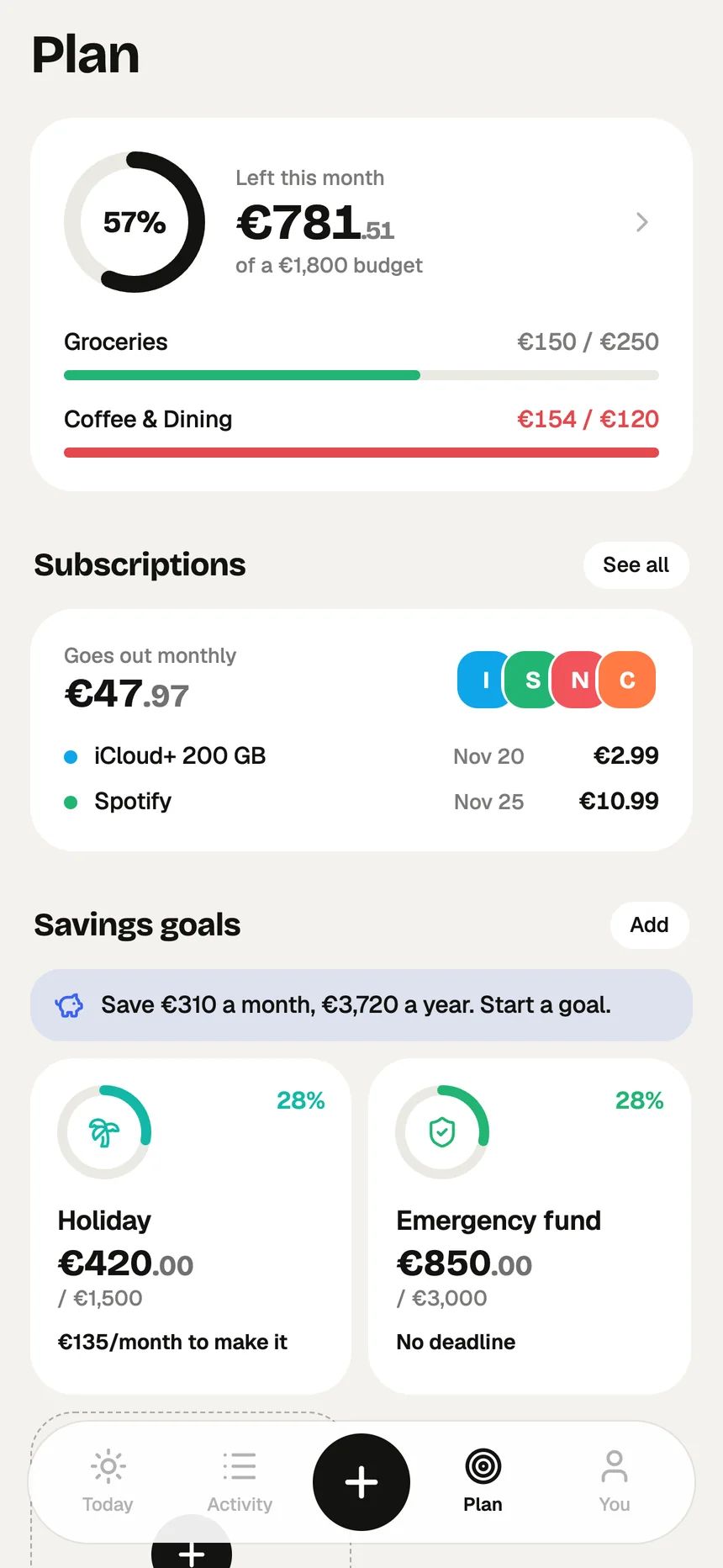
Centrol Plan screen with budgets and subscriptions
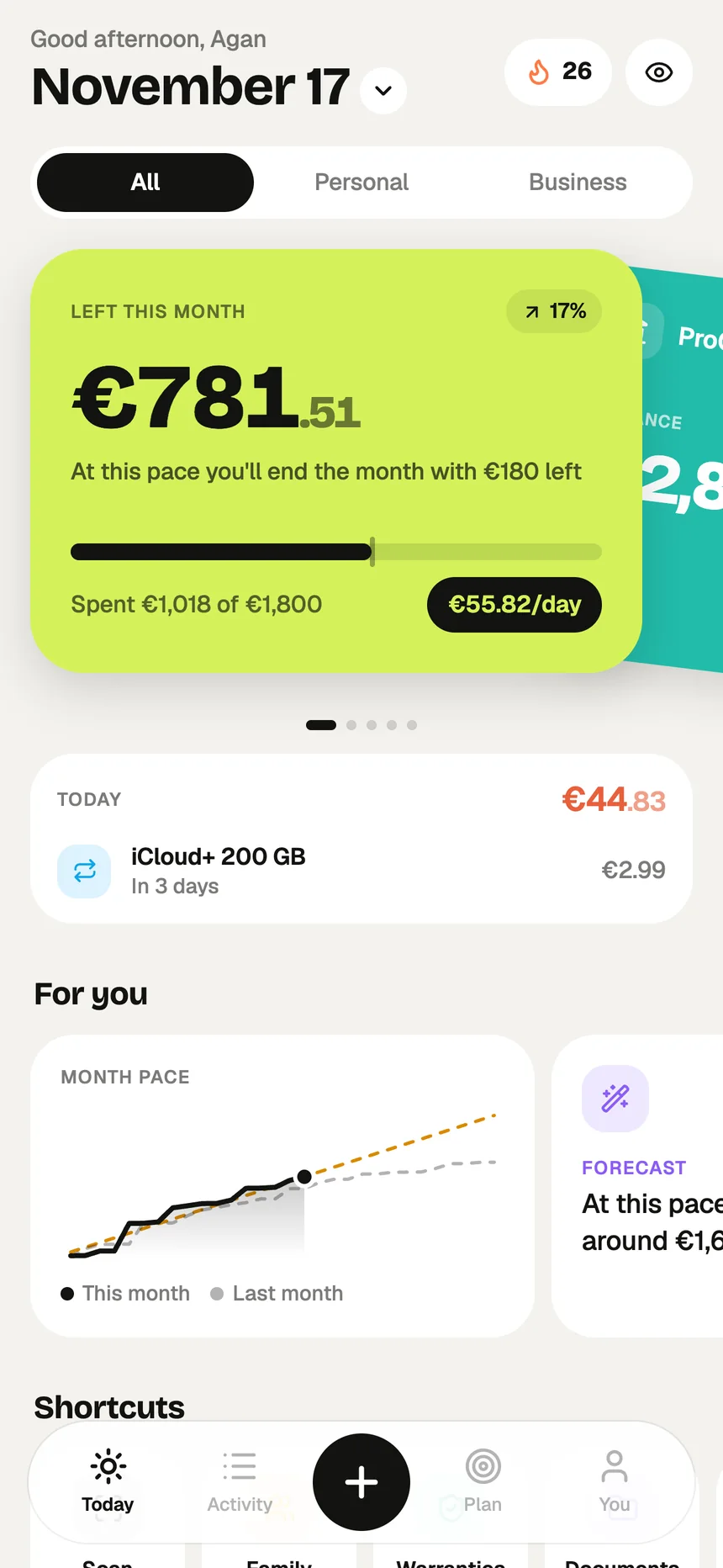
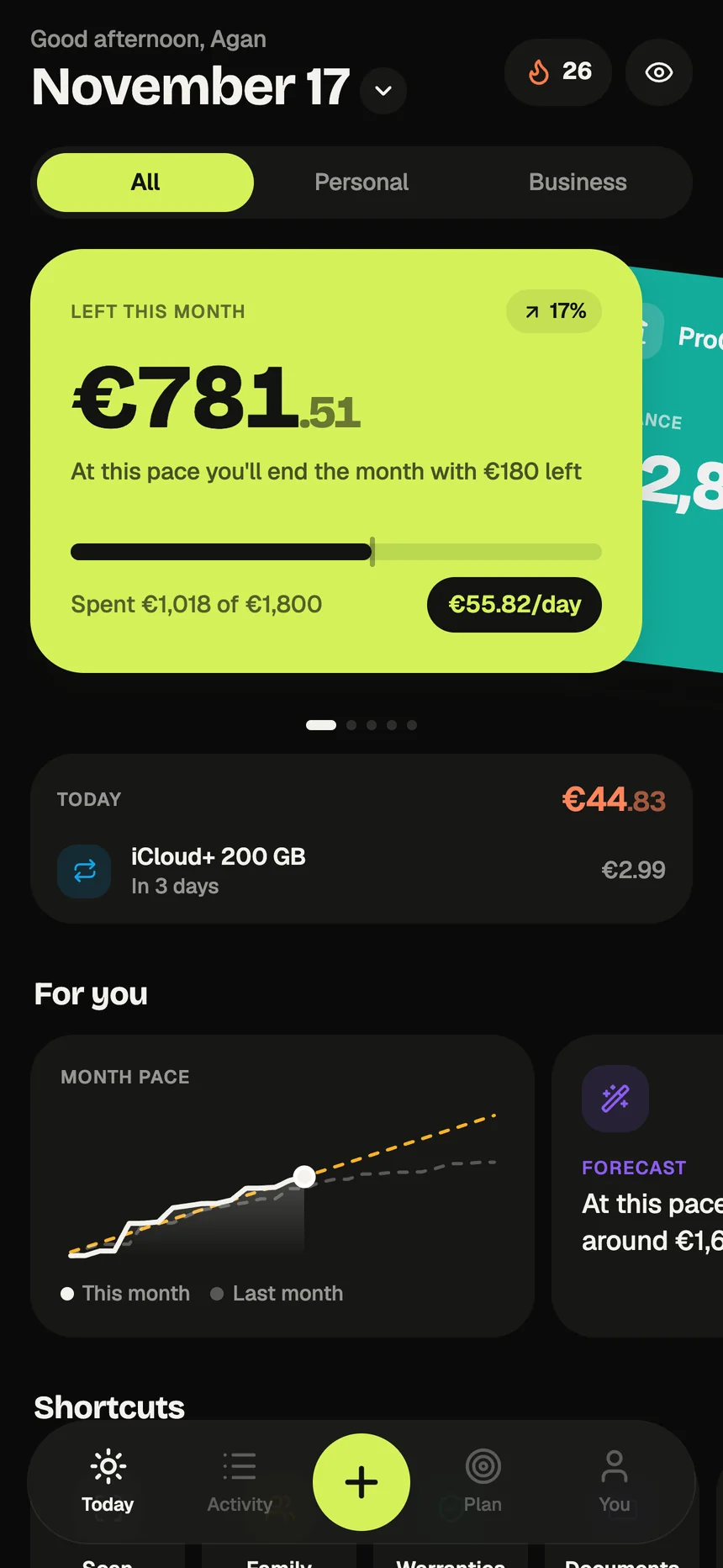
Centrol Today screen: €781.51 left this month, €55.82 a day
Today you can spend€55.82
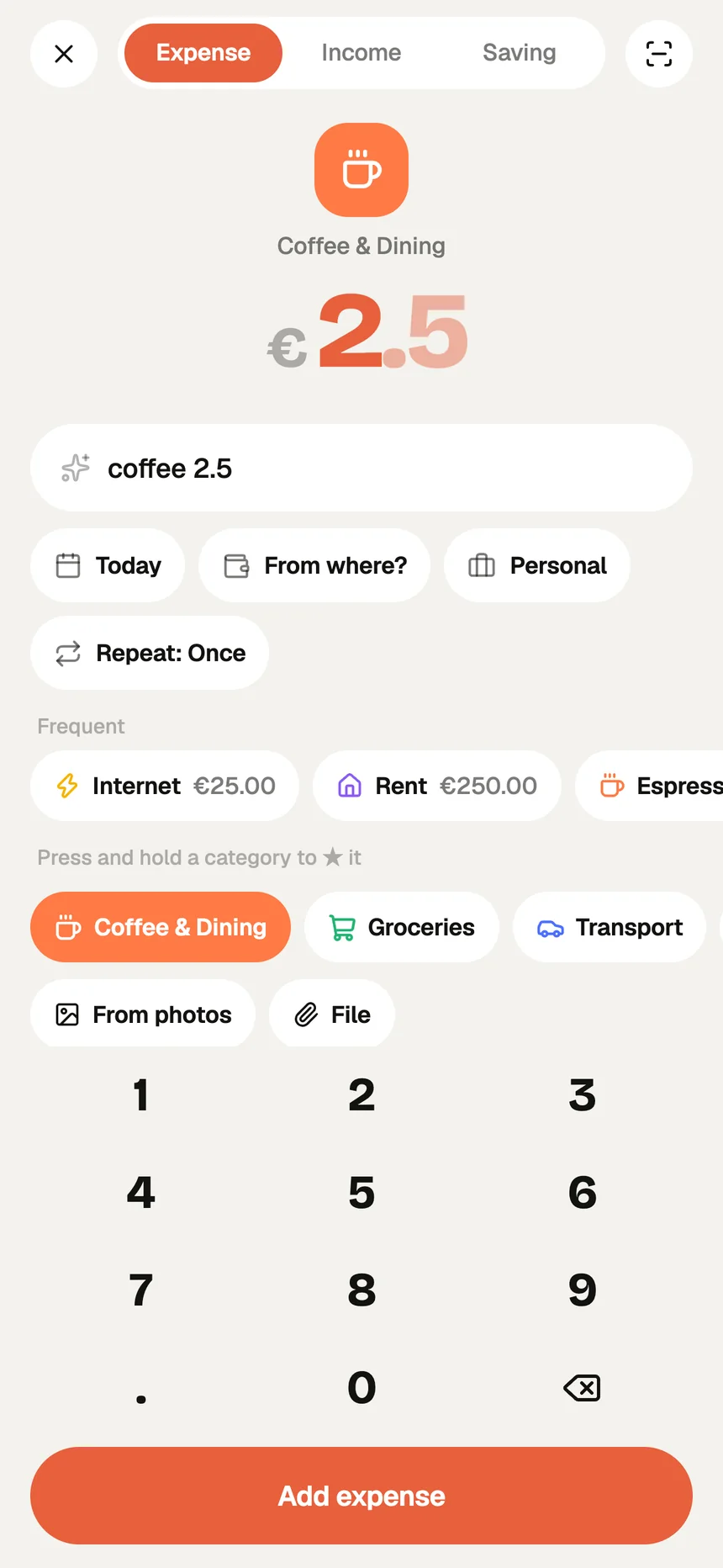
“coffee 2.5”→ Coffee & Dining

One account, every screen

Use it in your browser today.
On your iPhone soon.

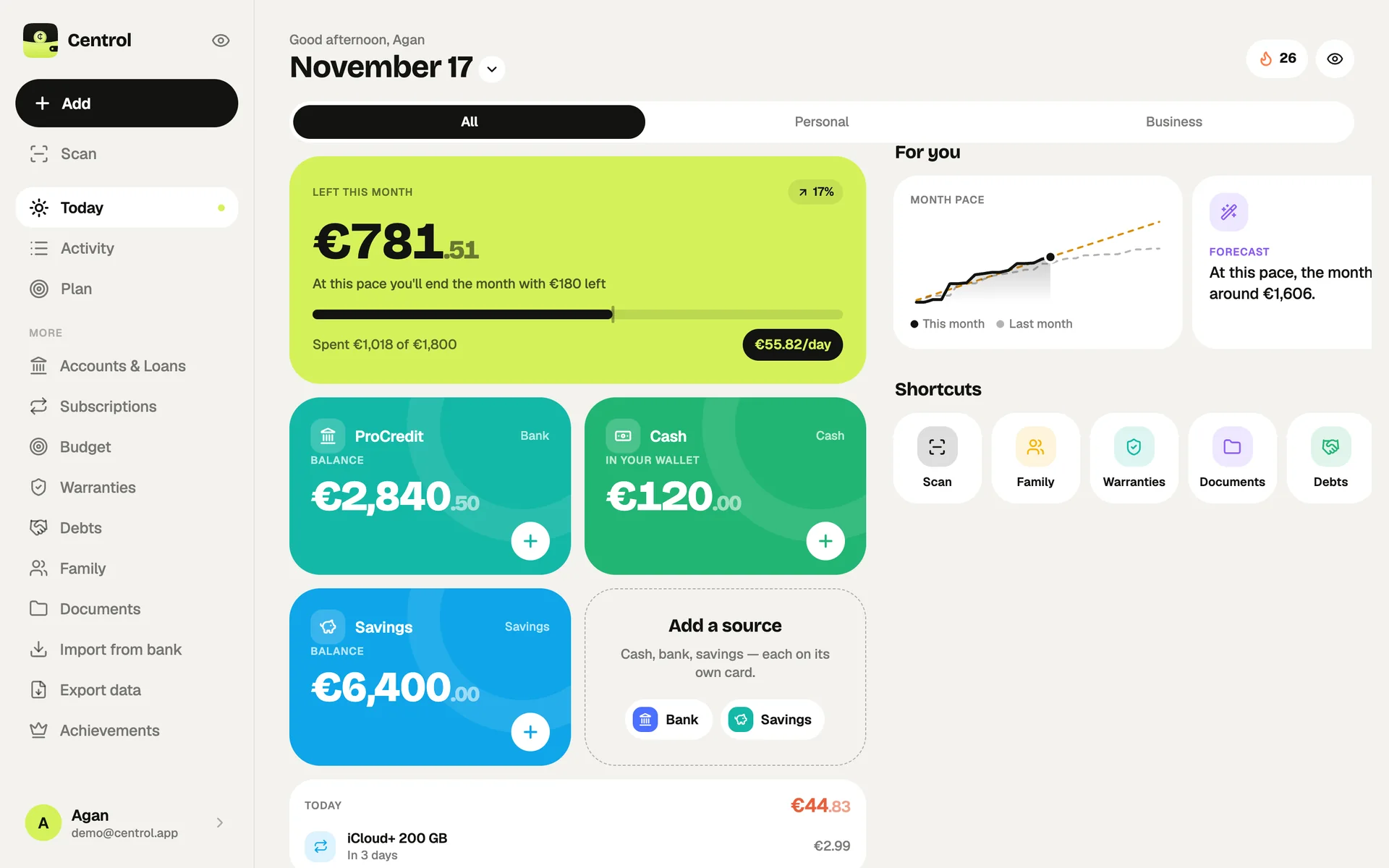
Centrol already runs as a full web app at centrol.app — the same budgets, scans and reminders, laid out for a big screen. When the iPhone app lands, sign in and everything is already there: it works offline and syncs between devices.

Centrol web app: the Today dashboard with accounts, month pace and shortcuts
Web app

Live now at centrol.app. Works in any modern browser, on desktop and phone.

Open
iPhone

Coming soon to the App Store — with Face ID, Home and Lock Screen widgets and on-device receipt scanning.

Coming soon

Inside the app

Eleven screens.
One calm place for money.

Pick a screen to see what it does. Every picture here is the real app, filled with sample data.

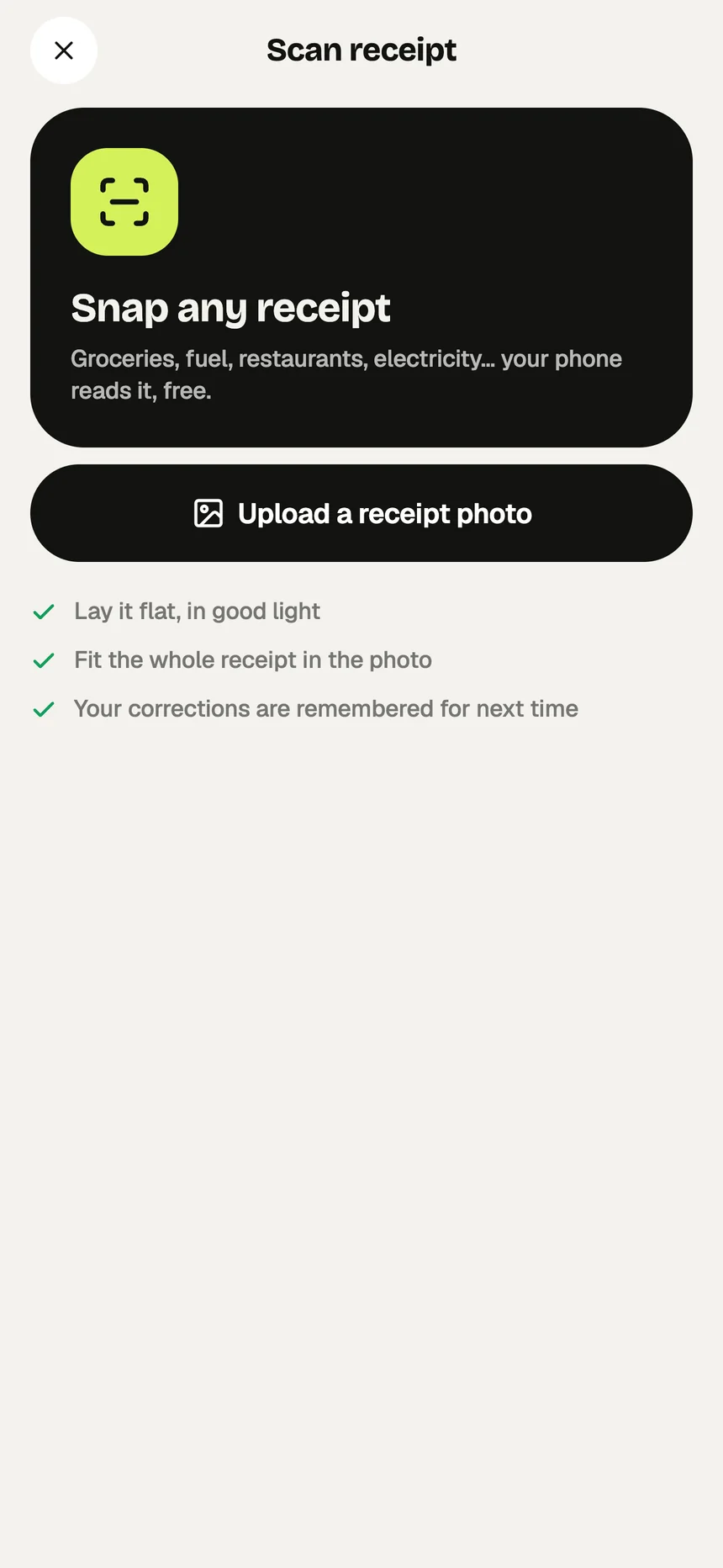
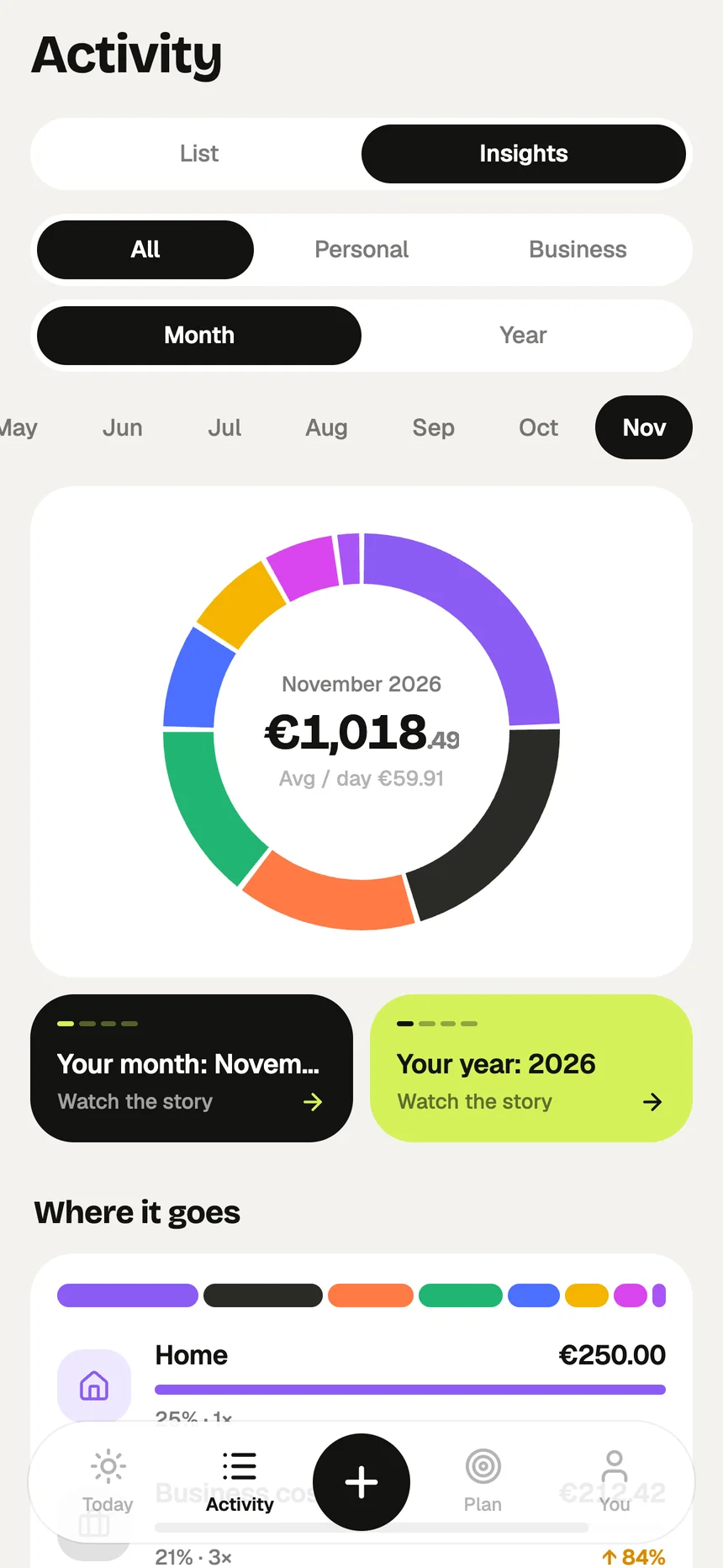
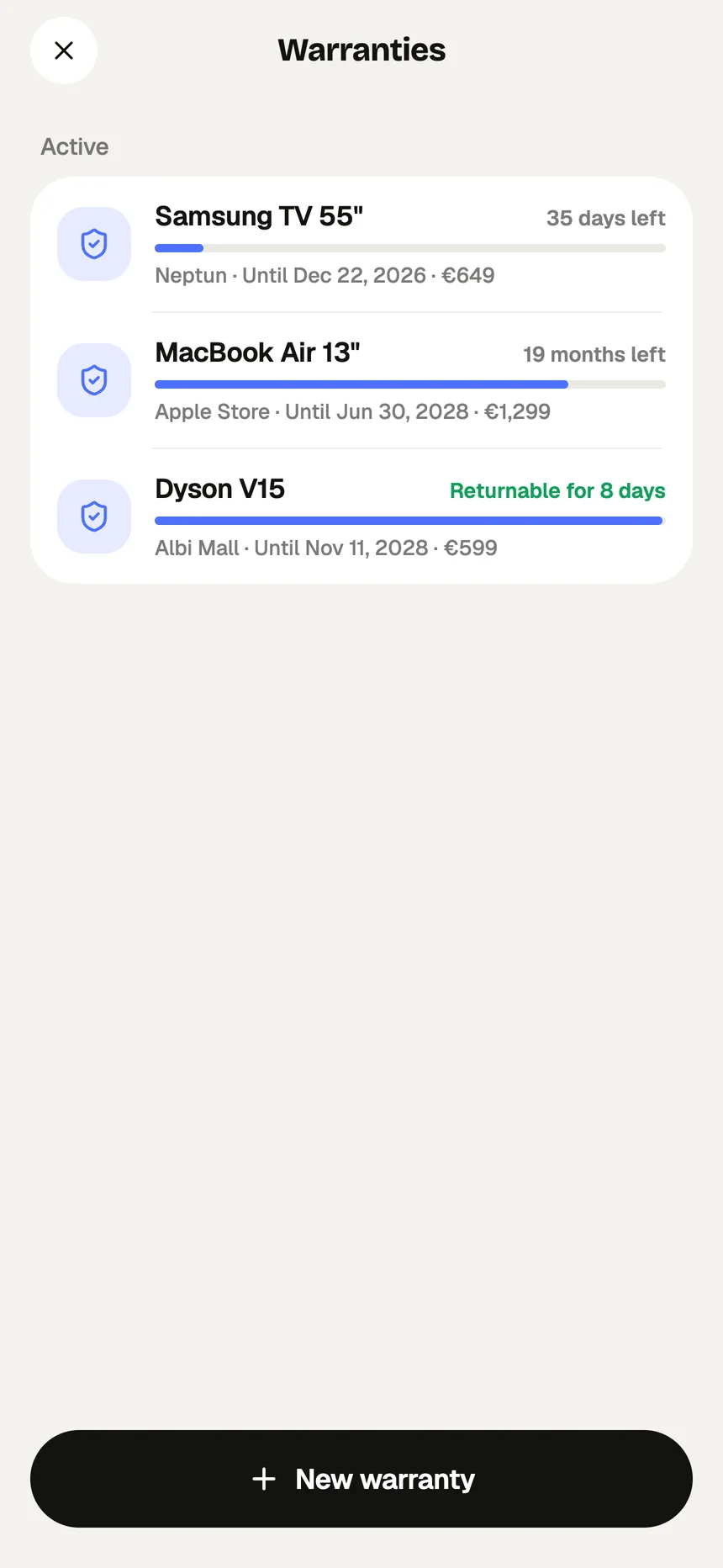
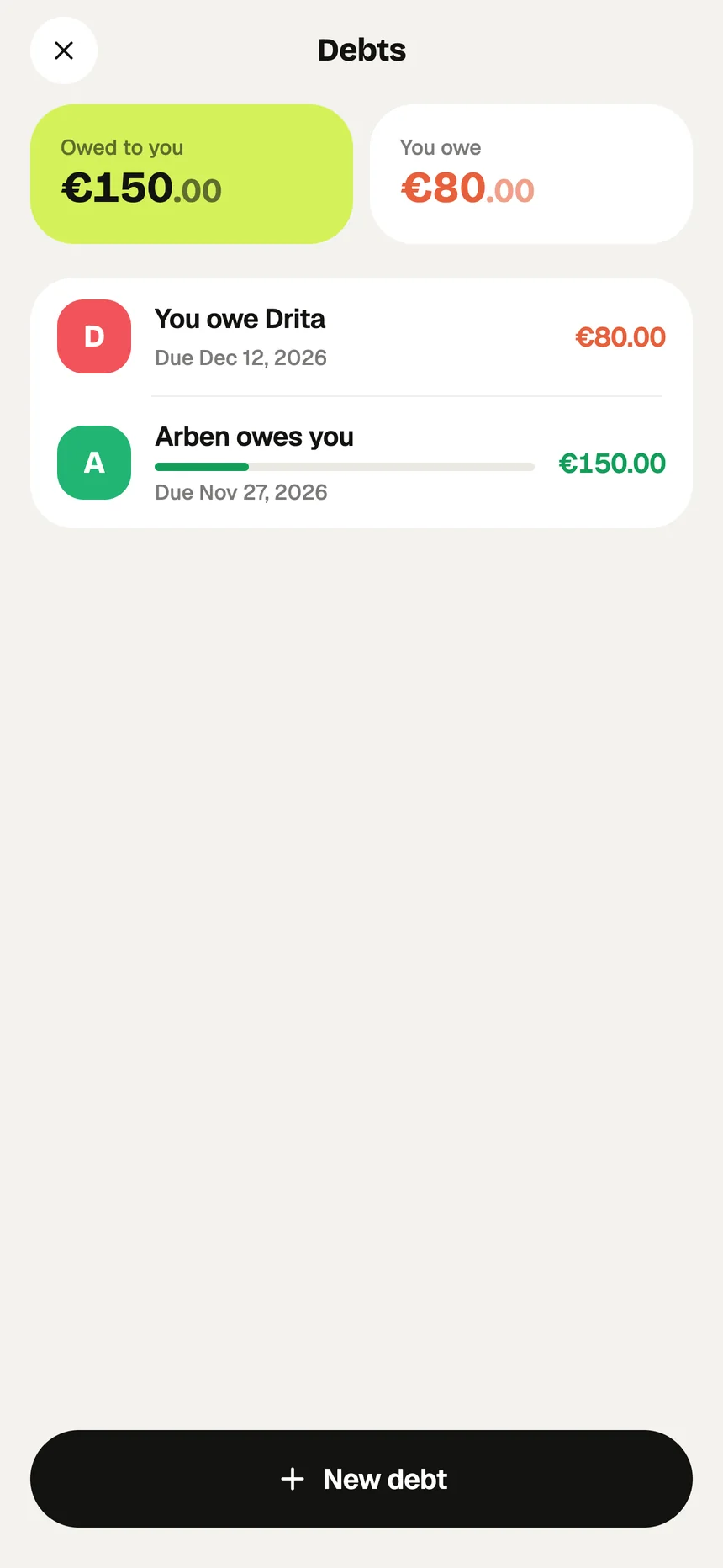
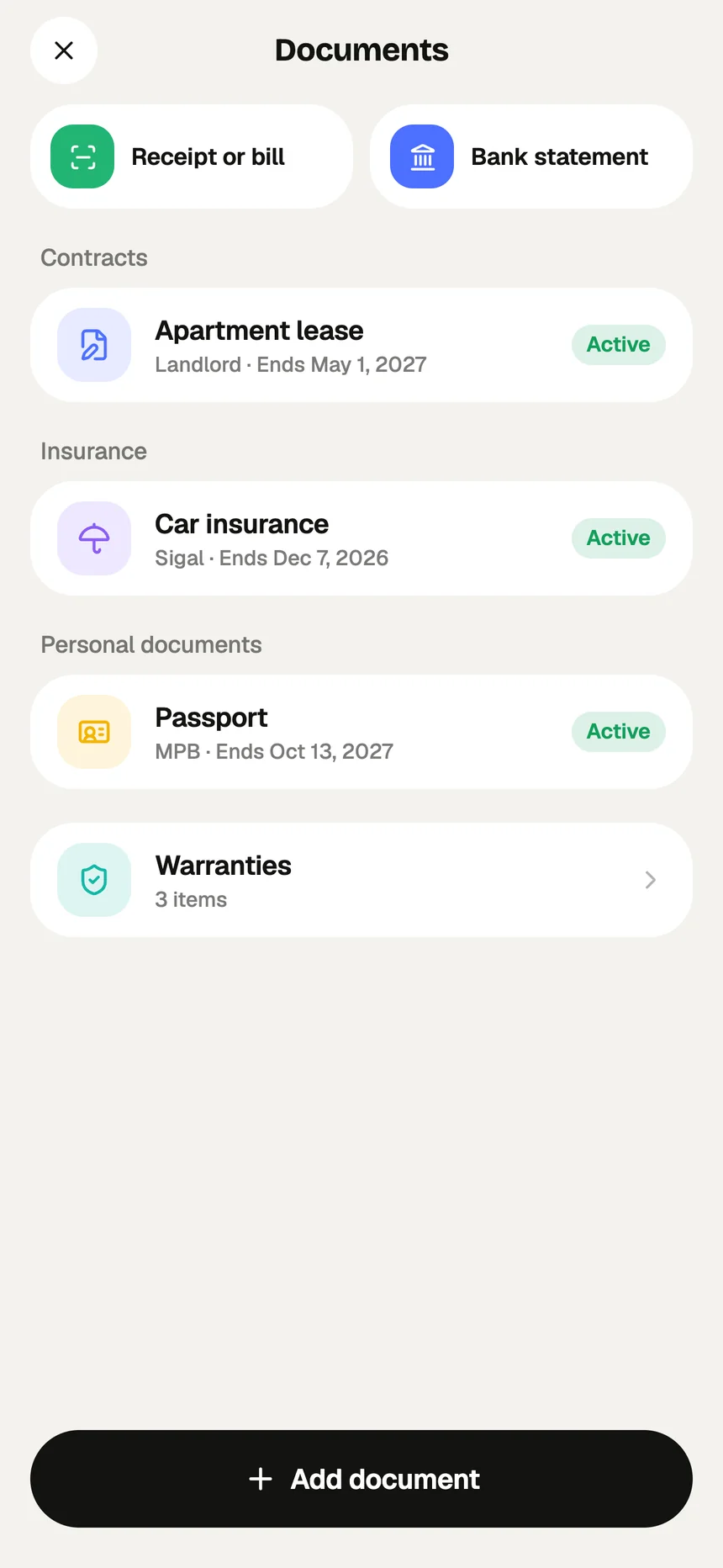
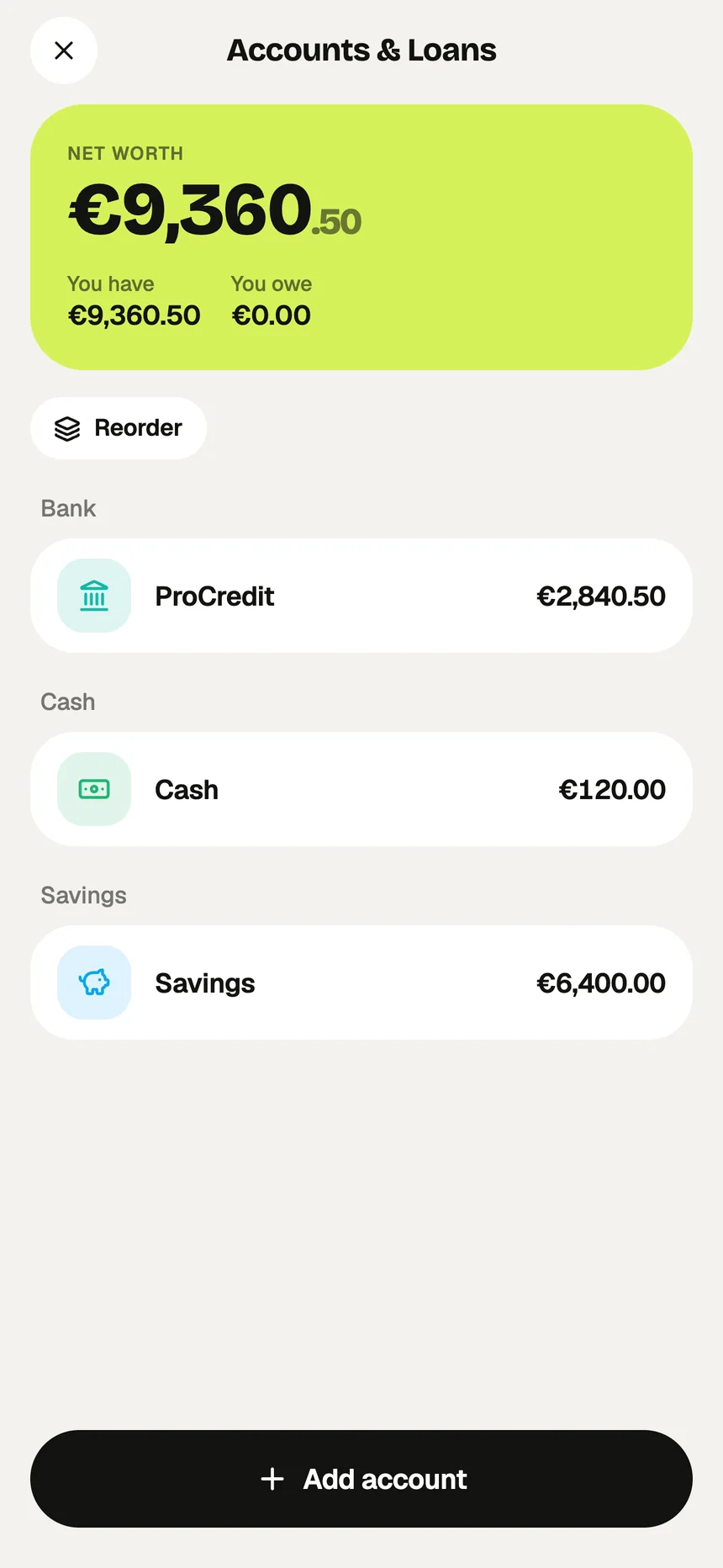
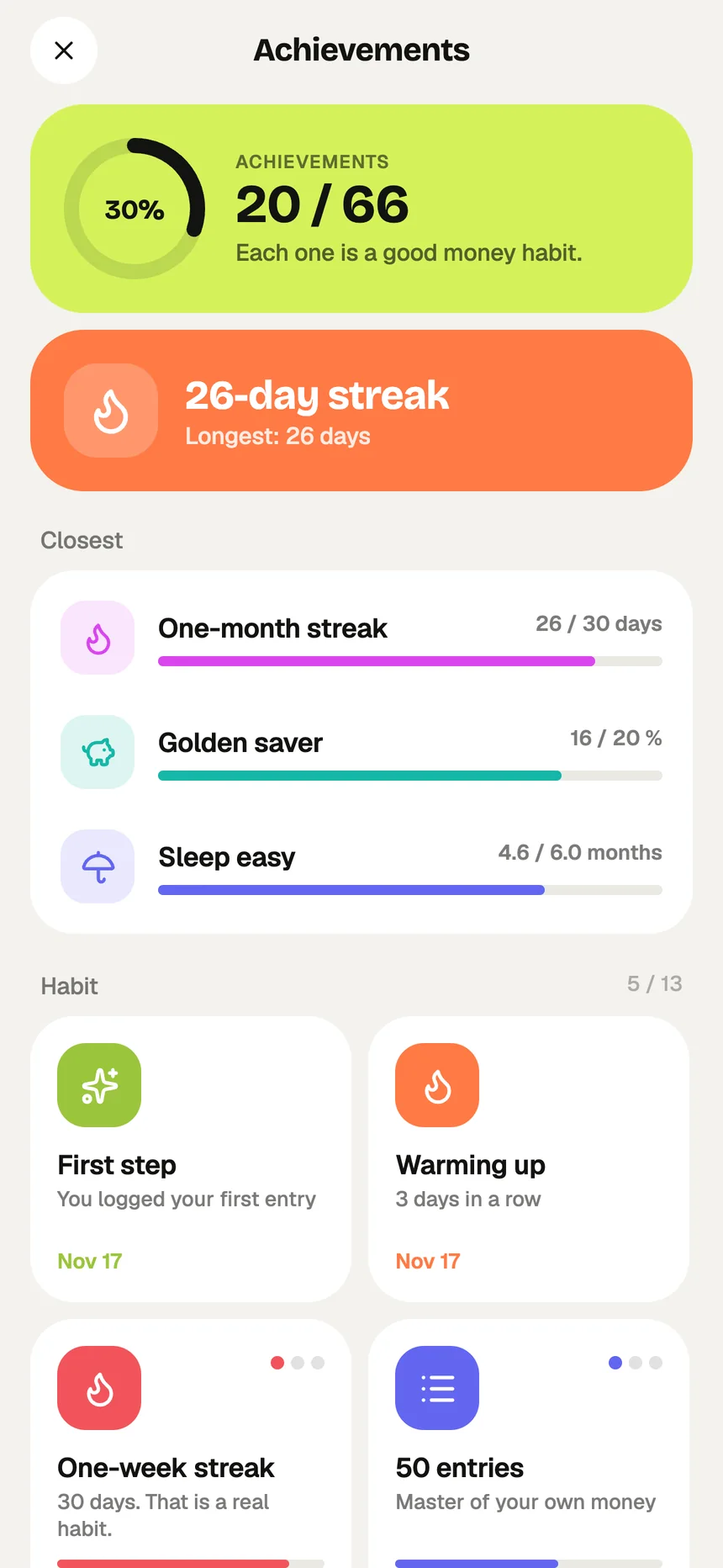
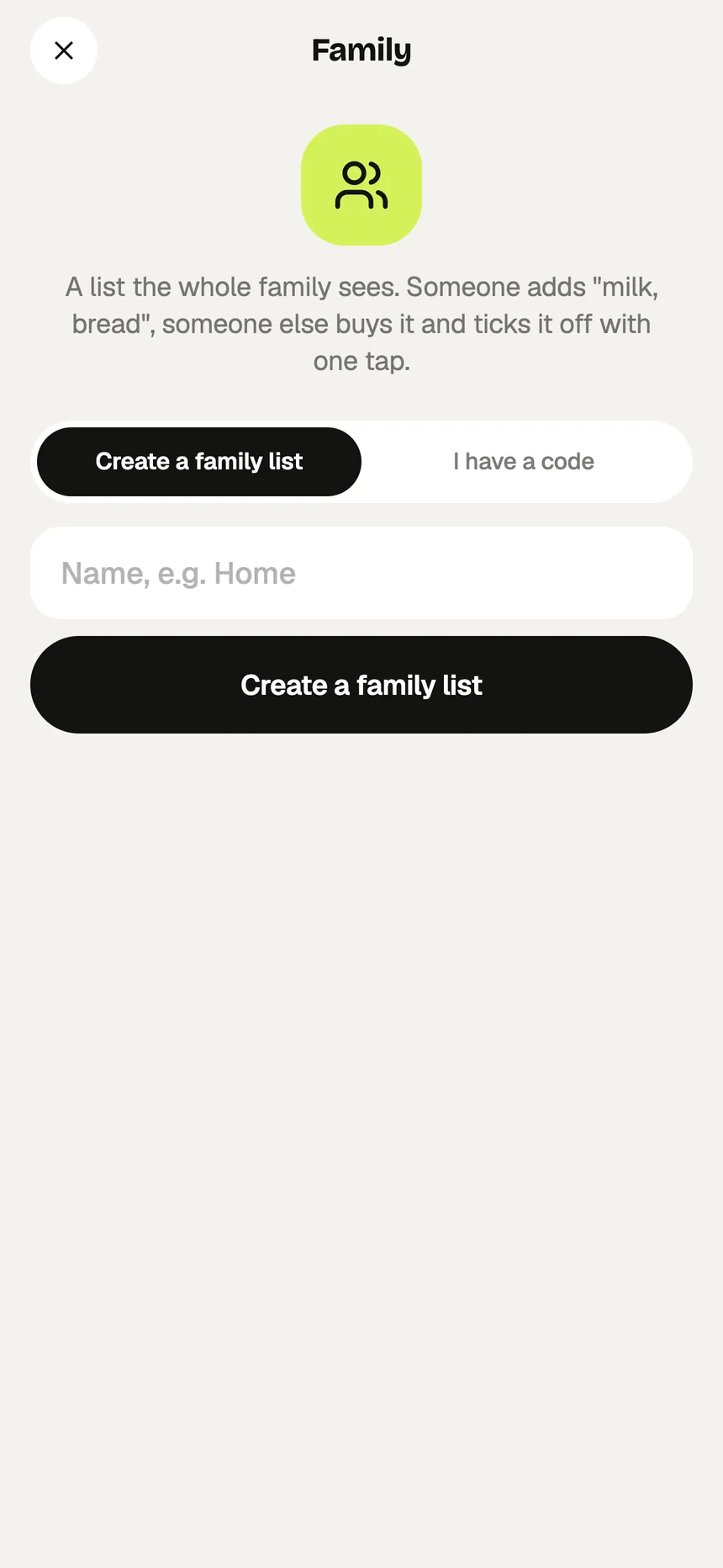
Centrol — Today: Know what’s left to spend todayCentrol — Add: Add an expense in two tapsCentrol — Scan: Snap a receipt, skip the typingCentrol — Insights: See where your money goesCentrol — Plan: Budgets, subscriptions and goalsCentrol — Warranties: Never miss a return windowCentrol — Debts: Who owes whom — and how much is leftCentrol — Documents: Contracts, insurance and IDs in one placeCentrol — Accounts: Every account, one net worthCentrol — Achievements: Good money habits, rewardedCentrol — Family: One shopping list for the household

Today · Know what’s left to spend today

What it does

Everything your money needs.
Nothing it doesn’t.

Built for real life in Kosovo and beyond: personal and business spending, euros and other currencies, and the things around money that usually end up in a drawer.

01

Add in seconds

  • Quick add: “coffee 2.5”, “+1200 salary”
  • Receipt scanning, read on the device
  • Bank statement import from CSV or Excel
  • Personal and business, with VAT for business
02

Know where you stand

  • A daily allowance from your monthly budget
  • Budgets per category and a month-end forecast
  • Accounts with live balances and net worth
  • Multiple currencies at daily ECB rates
03

Plan ahead

  • Recurring payments, detected for you
  • An alert when a subscription gets pricier
  • Savings goals, by hand or automatic
  • Reminders before renewals and deadlines
04

Keep what matters

  • Warranties with return and warranty dates
  • Debts: lent, borrowed and what’s left
  • Documents with expiry reminders
  • A shared family shopping list
Home & Lock Screen widgetsApple Pay → ShortcutsExport to CSV, Excel, PDFTags & custom categoriesMonthly & yearly WrappedLight & dark modeWorks offline

Light & dark

Easy on the eyes,
day or night.

Centrol follows your phone’s appearance. Big, honest numbers, one lime highlight for what matters most, and nothing to distract you from it.
Centrol Insights in light mode
Centrol Today in dark mode

Private by design

Your money is your business.
Not ours.

No bank login
Centrol never asks for your bank password. You add entries, scan receipts or import a statement yourself.
No ads, no tracking
No ad SDKs, no tracking across apps. Centrol is free, with no in-app purchases.
Stored in the EU
Your data lives in Ireland, and each person can read only their own records.
End-to-end encryption
Optionally encrypt notes, names, documents and files so only you can read them.
Face ID or PIN
Lock the app so it asks for Face ID or your PIN every time it opens.
Yours to take
Export everything to CSV, Excel or PDF, or delete your account at any time.
Centrol app icon

Every cent.
In control.

Start on the web today. The iPhone app is on its way to the App Store.

Open the web app Coming soon on theApp Store · iPhone